
Download Comodo Internet Security – Antivirus, Firewall, Malware Protection
Overview
Comodo Internet Security is a comprehensive security suite designed to protect Windows systems from a wide range of digital threats. In today’s interconnected world, the absence of reliable antivirus and firewall protection poses significant risks to personal privacy and system integrity. The app addresses these concerns by offering a multi-layered defense strategy that combines real-time antivirus scanning, network traffic monitoring, and proactive threat containment.
It is intended for individual users and small office environments seeking robust protection without the cost of commercial alternatives. The developer, Comodo, has a long-standing presence in the cybersecurity space, known for creating tools that prioritize user safety and system stability. While specific details about the company’s background were not provided, Comodo’s reputation in the industry suggests a focus on innovation and reliability.
Real-world use cases include protecting personal data during online banking, safeguarding sensitive documents from ransomware, and preventing unauthorized access through network vulnerabilities. In the broader app ecosystem, Comodo Internet Security fills a critical gap by offering a free, full-featured security solution that remains effective against evolving cyber threats. Its presence underscores the growing demand for accessible, high-performance security tools in consumer-grade software.
Key Features & Functionality
- Complete Antivirus Protection: The built-in antivirus engine provides real-time scanning and detection of viruses, trojans, worms, and other malicious software. Users can initiate quick scans for immediate threat checks or run full system scans for thorough analysis. This feature ensures that both known and emerging threats are identified and neutralized promptly.
- Effective Firewall: The firewall monitors all incoming and outgoing network traffic, blocking suspicious connections and preventing unauthorized access to the system. It operates in the background, allowing legitimate applications to function while restricting potentially harmful activity.
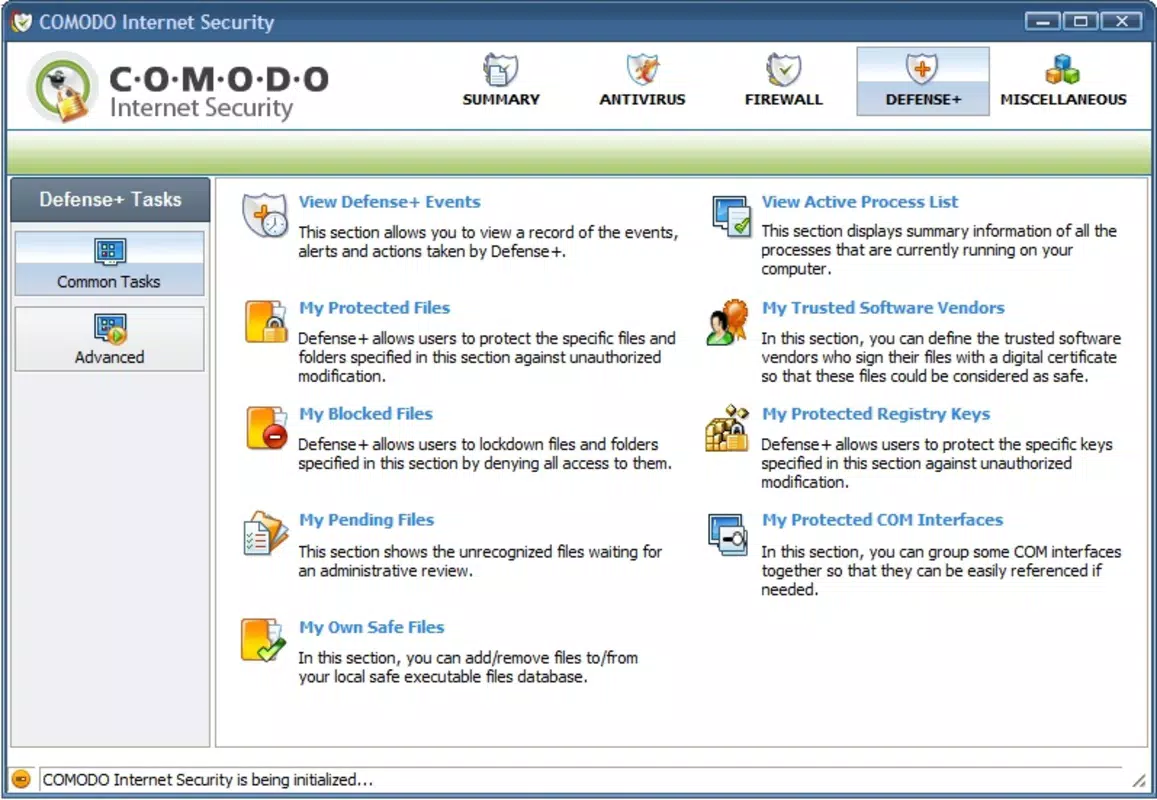
- Added Defense Layer: This module enhances system security by isolating critical files, passwords, and processes from potentially malicious programs. It acts as a secondary shield, reducing the risk of data breaches or system compromise even if malware bypasses initial defenses.
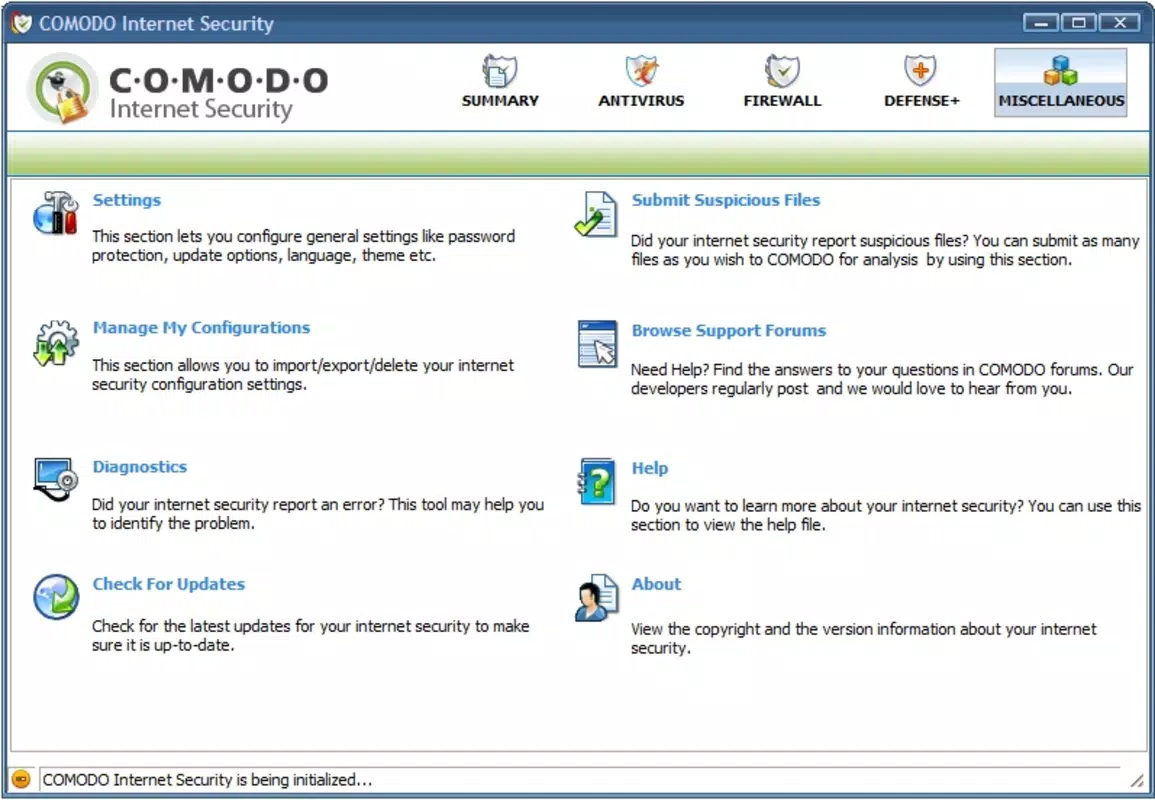
- User-Friendly Configuration: The app includes a customizable interface that allows users to adjust update schedules, scanning preferences, and visual settings. This flexibility enables both novice and advanced users to tailor the experience to their specific needs.
- Regular Updates: Automatic updates ensure that the virus database and security protocols remain current. This feature is essential for maintaining protection against the latest threats, as cyberattacks evolve rapidly over time.
For example, a user conducting online transactions can rely on the antivirus and firewall to detect and block phishing attempts and malware targeting financial data. Similarly, a remote worker using public Wi-Fi can benefit from the firewall’s ability to filter dangerous network traffic, reducing exposure to man-in-the-middle attacks.
Interface, UX & Performance
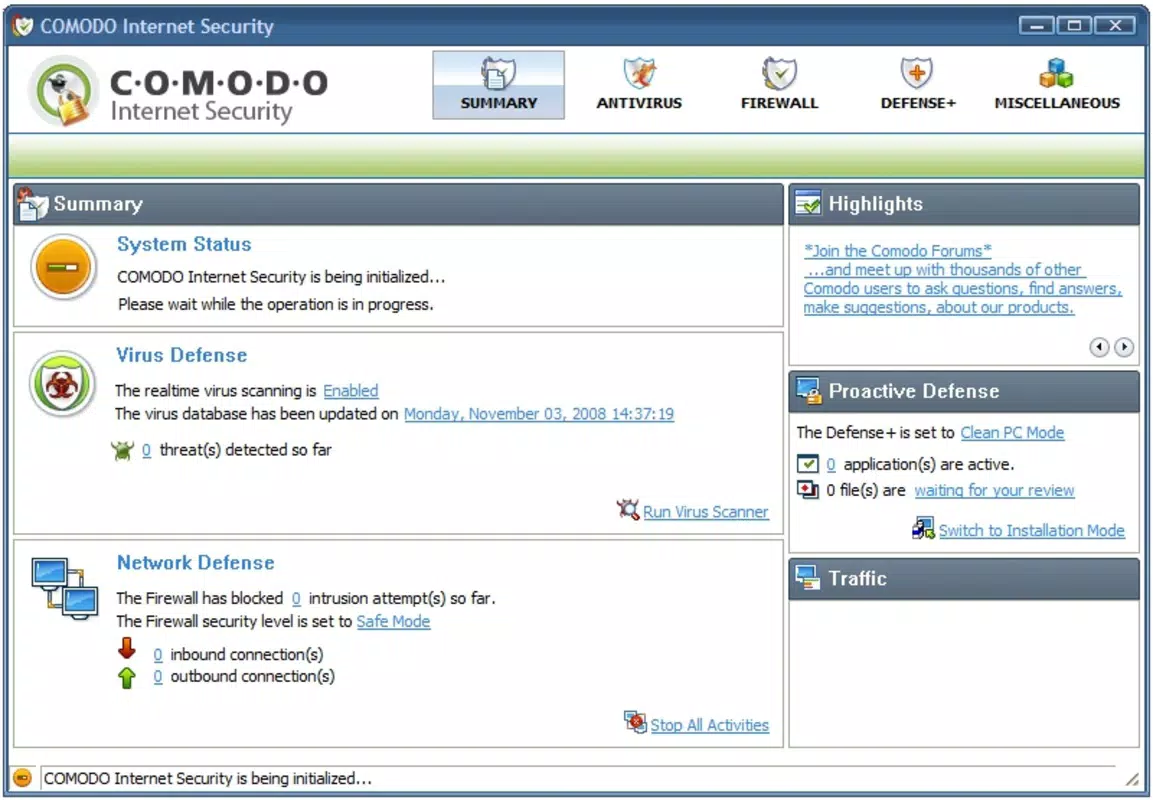
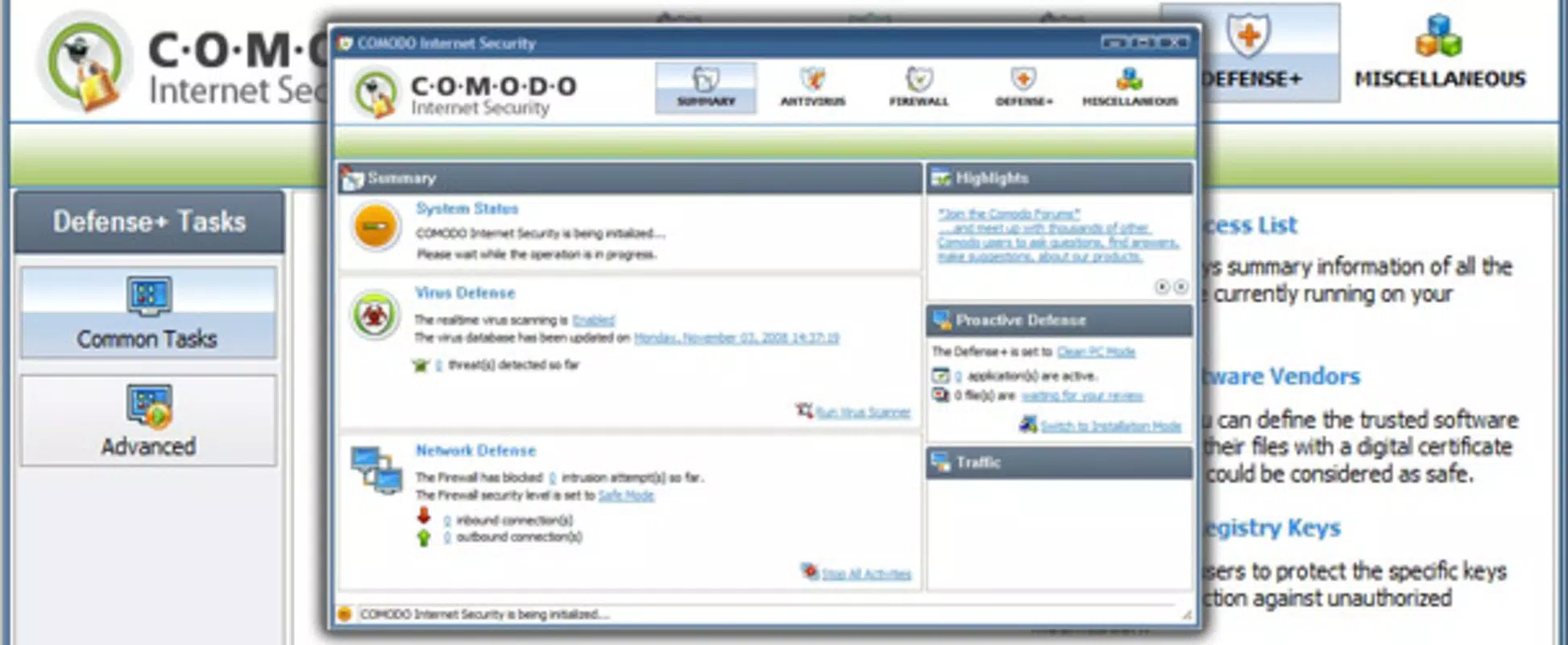
Comodo Internet Security features a clean, functional interface with clearly labeled sections and intuitive navigation. The dashboard presents essential security status indicators, such as real-time protection status, last scan time, and firewall activity. Users can access core functions—scanning, firewall settings, and update controls—through a well-organized menu system.
Visual design prioritizes clarity over aesthetics, making it easy to interpret security alerts and take action. The application maintains a lightweight footprint, minimizing impact on system resources during operation. Although the developer did not list formal performance metrics, the app is designed to run efficiently in the background without significantly affecting device responsiveness.
It supports smooth transitions between tasks and responds quickly to user inputs. Stability appears consistent across various device categories, though specific compatibility details were not disclosed. Responsiveness is maintained even during full system scans, ensuring that users can continue working with minimal disruption.
The overall user experience is streamlined for practicality, focusing on security outcomes rather than flashy design elements. While advanced customization options exist, the default setup is accessible to non-technical users, promoting widespread adoption.
Platform Compatibility & Technical Requirements
Comodo Internet Security is designed for the Windows operating system. The application is available in a version that supports modern Windows environments, though specific OS versions were not listed. The file size of the installation package is approximately 150 MB, which is typical for a full-featured security suite.
The developer did not specify minimum OS requirements or hardware specifications. Compatibility information was not fully disclosed, so users should ensure their system meets standard Windows requirements for running security software. The app is distributed as a downloadable installer, and no mobile platform support was mentioned.
As such, it is not available for Android or iOS devices. Users should verify their system’s compatibility before installation to avoid potential issues. The absence of detailed technical requirements means that installation success may depend on individual system configurations.
Pros and Cons
Pros
- Free to download and use with no hidden costs
- Comprehensive protection combining antivirus and firewall
- Regular automatic updates for threat database and security protocols
- Lightweight design with minimal performance impact
- Intuitive interface suitable for both beginners and experienced users
Cons
- Not available on mobile platforms such as Android or iOS
- Specific system requirements were not disclosed
- Advanced features may require technical knowledge to configure optimally
- Some users may find the default security settings overly restrictive
- Limited third-party integration options were mentioned
FAQ
Is Comodo Internet Security safe to download?
Yes, Comodo Internet Security is a legitimate security application developed by a reputable company. It is available through official channels and does not contain malware or deceptive components.
Can I use Comodo Internet Security on multiple devices?
The app is designed for Windows systems and does not support multi-device licensing. Each installation requires a separate download and activation on a compatible device.
Does Comodo Internet Security require an internet connection?
Yes, an internet connection is required for automatic updates and real-time threat detection. The app also communicates with remote servers to verify security signatures and update its database.
How often does Comodo Internet Security update its virus definitions?
Updates are typically delivered automatically and frequently, often multiple times per day, to ensure protection against newly discovered threats.
Is Comodo Internet Security suitable for business use?
While it offers strong protection for individual users, the app lacks enterprise-level management features such as centralized control or reporting tools, making it less ideal for large-scale business deployments.
Final Thoughts
Comodo Internet Security stands out as a reliable, free solution for Windows users seeking comprehensive protection against modern cyber threats. Its combination of antivirus, firewall, and defense modules provides a robust security posture that addresses both common and sophisticated attacks. The user-friendly interface and automatic update system make it accessible to a wide audience, while its lightweight performance ensures it won’t slow down everyday computing.
Although it is not available on mobile platforms and lacks detailed technical specifications, its core functionality remains strong and dependable. Users who prioritize system safety without the cost of premium software will find significant value in this tool. For anyone using a Windows PC and concerned about online security, Comodo Internet Security delivers essential protection with minimal overhead.
Download Comodo Internet Security now.


